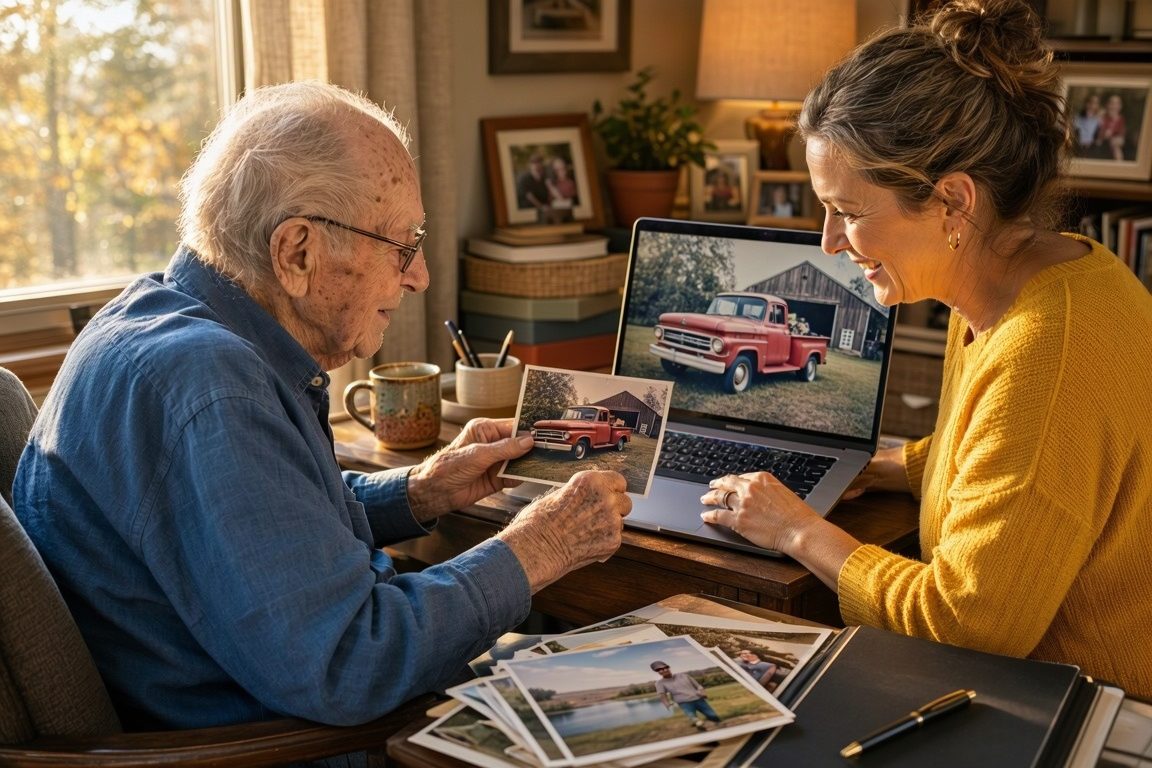
Step by step
What not to do
- Do not test their memory. Avoid saying, 'Do you remember this?' or 'Who is this?' This puts pressure on them and can cause anxiety or shame.Instead, say, 'Look at this picture of you and your sister at the beach. What a fun day that must have been.'
- Do not correct them if they misidentify a person or place. If they say, 'That's my mother' when it is actually their aunt, just go with it. The emotional truth matters more than factual accuracy. Say, 'Yes, she looks so kind in this picture.'
- Do not overwhelm them with too many photos at once. A long slideshow can be overstimulating. Stick to 5 to 10 photos per session. Watch for signs of agitation like fidgeting, looking away, or sighing. If you see these, stop and try again another day.
- Do not use photos that are emotionally charged or recent. Avoid pictures of a deceased spouse, a recent move, or a family conflict. These can trigger grief or confusion. Stick to happy, neutral memories from decades ago.
- Do not force engagement if they are not in the mood. Some days they may not want to look at photos at all. Respect that. Say, 'That's okay. Maybe another time.' and try again later. The goal is connection, not compliance.
Key points
- Use photos from early adulthood and childhood, not recent years, to tap into preserved long-term memories.
- Record your own voice for each photo to create a personal, familiar connection even when you are not in the room.
- Keep sessions short (10-15 minutes) and end on a positive note to avoid fatigue or agitation.
- Never test memory or correct mistakes; focus on the emotional experience, not factual accuracy.
- Use PONGA over video calls to connect with a loved one in a facility or far away.
- Repeat favorite stories regularly; repetition is comforting and reinforces positive feelings.
Videos
 An Interview with Barbara Tien Co-Founder of PONGAHear directly from the creator about how PONGA was designed for families dealing with dementia, including tips on recording voiceovers and using the app over Zoom.
 Grandpa, Do you Know who I am? (Dementia Tips)This video offers gentle advice on how to handle moments when your loved one does not recognize you, which is a common challenge during reminiscence sessions.
 How to keep a dementia patient busyProvides practical ideas for engaging activities that can complement PONGA sessions, such as sorting photos or matching images to objects.
 dementia gift guide 2018Includes gift ideas that pair well with digital reminiscence, like a photo album or a digital frame, to extend the experience beyond the app.
Background
Why Digital Photos Work for Dementia Reminiscence
When a person has dementia, recent memories fade first, but memories from early adulthood, childhood, and adolescence often remain vivid and accessible. This is because those older memories are stored more deeply in the brain. By showing photos from that long-ago time, you are meeting your loved one where their memory still lives. PONGA is especially effective because it allows you to add your voice to each photo, narrating a story just like you would in a phone call. This combination of a familiar image and a familiar voice can help your loved one feel safe and engaged, even on days when they struggle to recognize faces or names.
How PONGA Differs from a Simple Photo Album
A traditional photo album is passive: you flip pages and hope for a reaction. PONGA is interactive. You can record your own voice telling the story behind each picture, so your loved one hears your voice even if you are not in the room. You can also use PONGA over a video call, sharing your screen and walking through photos together as if you were sitting side by side. This is especially powerful when your loved one lives in a memory care facility or far away. The app also lets you control the flow: you can pause, repeat a story, or skip a photo that causes distress. This control is key because it lets you follow your loved one's lead, not a rigid schedule.
What Happens When Reminiscence Works
When you hit on a photo that resonates, you may see your loved one's face light up, their posture relax, or they may start talking about a detail you never knew. This is not just a nice moment; it is a therapeutic one. Reminiscence therapy has been shown to reduce agitation, improve mood, and strengthen the bond between caregiver and care receiver. Even if your loved one cannot remember the exact event, the emotional tone of the memory can still be felt. The goal is not a perfect recall of facts; it is a shared experience of warmth and recognition.
Practical tools
6
PONGA App (Free or Paid Version)
Available on iOS and Android. The free version allows you to create a limited number of stories. The paid version offers unlimited stories and longer recording times. Use the 'record' feature to add your voice to each photo. You can also share stories with family members so they can add their own voiceovers.
Real Words to Say When Starting a Session
Use these exact phrases to set a gentle tone: 'I found some old pictures I thought you might enjoy.' 'Let's take a look together.' 'Oh, look at this one. Tell me about that hat you're wearing.' 'That must have been a wonderful trip.' 'I love seeing you smile in this picture.'
Short Checklist for a Successful Session
Before you begin:
The 'Two-Photo Rule' for Difficult Moments
If a photo causes distress, immediately have a 'rescue photo' ready: a happy image of a pet, a favorite vacation spot, or a child laughing. Swipe to that photo and say, 'Oh, look at this one. Wasn't that a fun day?' This shifts the emotional tone without drawing attention to the upset.
Using a Tablet or Phone with a Stand
A tablet with a sturdy stand allows you to be hands-free and sit beside your loved one. This is especially helpful if they have limited mobility or if you want to hold their hand while looking at photos. A tablet also has a larger screen, which is easier for someone with vision changes.
The 'Memory Box' Companion
Pair the digital photos with a physical object from the same era. For example, if you are showing a photo of their old car, bring out a small model of that car or a keychain. This multi-sensory approach can deepen the reminiscence experience. The physical object gives them something to hold and touch.
Different situations
Early-stage dementia (mild cognitive changes)
Your loved one may still be able to use PONGA independently. Show them how to navigate the app and let them choose which stories to view. They may enjoy recording their own voiceovers. Keep sessions longer, up to 20 minutes, and encourage them to share stories with you. This supports their sense of autonomy.
Middle-stage dementia (moderate cognitive decline)
You will need to set up the stories and guide the session. Use very short stories of 3-5 photos. Keep your voiceovers simple and slow. Avoid open-ended questions; instead, make statements like, 'That is your brother, Tom. You two loved fishing.' Watch for signs of fatigue and stop after 10 minutes. Repeat favorite stories often.
Late-stage dementia (severe cognitive decline)
Your loved one may not respond verbally, but they may still benefit from the sensory experience. Use photos with high contrast and simple subjects (a single face, a bright flower). Play your recorded voice softly while they look at the screen. Even if they do not speak, they may smile, relax, or make eye contact. That is a success. Keep sessions very short, 3-5 minutes.
Lewy body dementia or Parkinson's dementia
These conditions often involve visual hallucinations or sensitivity to light. Use a matte screen protector to reduce glare. Choose photos with simple backgrounds and avoid busy patterns. If your loved one becomes agitated by a photo, stop immediately. The visual processing issues in these dementias can make certain images confusing. Stick to photos of familiar faces and places.
Spouse vs. adult child caregiver
If you are the spouse, you may have shared memories that your children do not. Use that to your advantage: record voiceovers that include 'Remember when we...' stories. If you are an adult child, you may need to gather photos from your parents' albums and ask other relatives for context. You can also invite siblings to record their own voiceovers for different photos, creating a multi-generational story.
In a memory care facility
Coordinate with the staff to find a quiet time and place. Use a tablet that can be locked into a single app mode so your loved one cannot accidentally exit PONGA. Share the PONGA story with the activities director so they can use it during group reminiscence sessions. If your loved one is in a shared room, use headphones so the audio does not disturb others.
For the doctor
4
- If your loved one becomes consistently agitated or distressed during photo sessions, discuss with their doctor whether this is a sign of underlying pain, depression, or a medication side effect.
- If your loved one has a history of seizures or epilepsy, ask their neurologist whether flashing images or screen use could be a trigger.
- If your loved one has severe vision loss, ask their eye doctor about the best screen brightness and contrast settings for their specific condition.
- If your loved one is on medications that cause drowsiness or confusion, ask their pharmacist or doctor about the best time of day for a reminiscence session.