Step by step
What not to do
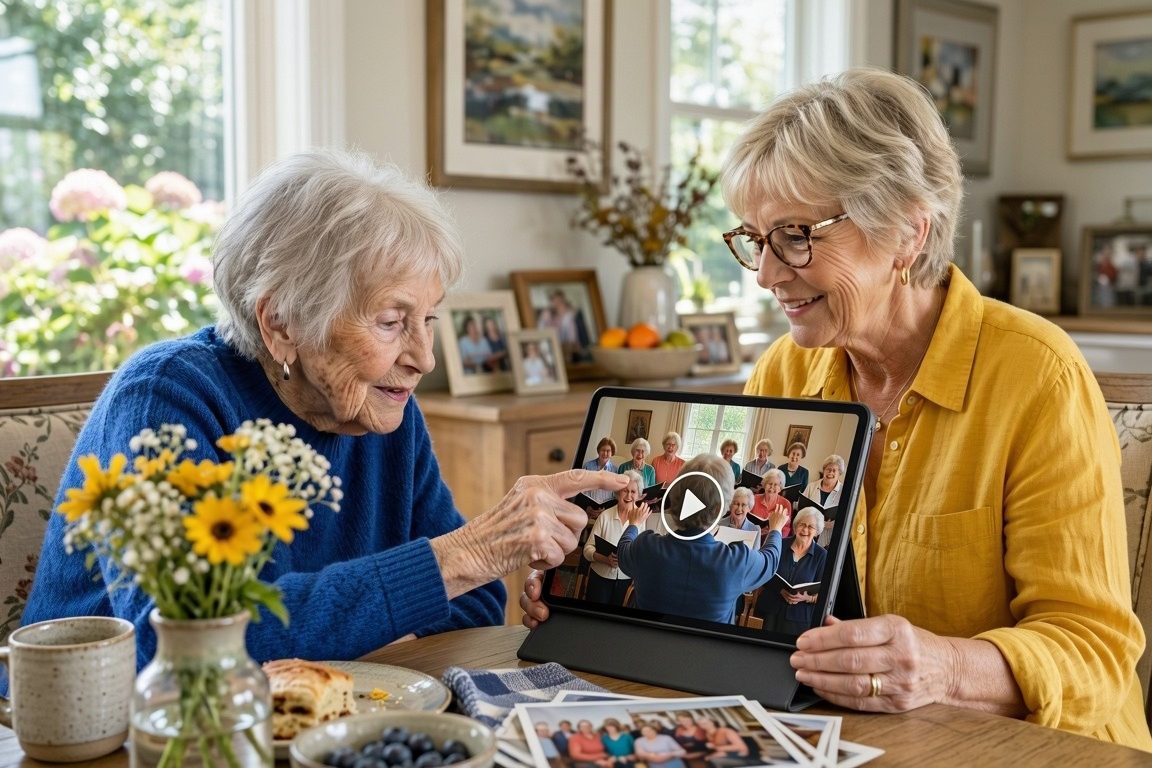
- Do not hand the device to the person without first setting it up and explaining what it is. This can cause confusion and anxiety.Instead, hold the device yourself and guide the interaction, or place it on a table where you both can see it.
- Do not use complex apps with many buttons or menus. People with dementia can become overwhelmed by too many choices. Stick to one function at a time, like a single photo album or a single video, and hide all other icons.
- Do not expect the person to remember how to use the technology from one session to the next. Each time is a new experience. Be patient and re-teach gently each time, using the same simple steps.
- Do not use technology as a replacement for human interaction. The device is a tool for connection, not a babysitter. Stay present, talk, and respond to their cues. The technology should facilitate engagement, not replace it.
- Do not force a type of content that the person never enjoyed. If they never liked classical music, don't play it now. Stick to what brought them joy in their earlier years, whether that's country music, old movies, or sports highlights.
Key points
- Technology should serve the person, not the other way around, choose simple, personalized content that taps into long-term memories.
- Repetition is your friend: if an activity works once, do it again. The person won't remember doing it before, so it stays fresh.
- Always pair technology with human presence, talk, touch, and respond to cues. The device is a tool for connection, not a replacement.
- Plan ahead: have a 'tech toolkit' ready for moments when you need a quick, calming diversion.
- Start small: one photo, one song, one short video. Build from there based on the person's response.
- Be flexible: if the person is not engaged, switch to a different activity or take a break. The goal is joy, not perfection.
Videos
 Grandpa, Do you Know who I am? (Dementia Tips)This video offers a gentle, real-life example of how to use video calls and photo sharing to help a person with dementia recognize family members, even when memory is failing.
 How To Entertain Someone With Dementia At Home?Provides practical, low-tech and tech-based activity ideas that can be adapted for use in a facility setting, emphasizing simplicity and personalization.
 Dementia Care Partner Talk Show Podcast: Ep. 89 - The Importance of Activities in EngagementDiscusses the role of activities (including technology) in maintaining cognitive and emotional well-being, with insights from care professionals.
 How to communicate with a dementia patientTeaches communication techniques that are essential when introducing technology, like using simple language, eye contact, and gentle touch.
2 more videos
 Dementia Friendly Activities at Home: Part 1 of 3Offers a series of activity ideas, including digital photo albums and music, with step-by-step guidance for caregivers.
 Why Meal Refusal Happens with Dementia (And How to Tackle It Without a Fight)While focused on meals, this video's approach to redirection and person-centered communication applies directly to using technology as a calming or engaging tool.
Background
Why Technology Can Feel Overwhelming or Irrelevant
For many caregivers, technology seems like a foreign or even threatening addition to dementia care. They worry it will confuse or frustrate their loved one, or that it will replace human connection. Yet when used with intention, technology can actually reduce anxiety and create moments of genuine engagement. The key is to remember that the person with dementia often loses the internal ability to start activities on their own, they may appear uninterested, but they still need and benefit from structured, meaningful interaction. Technology can provide that structure in a way that feels novel and inviting, especially when it taps into long-held memories or interests.
How Technology Supports Person-Centered Care
Person-centered care means seeing the whole person, their history, preferences, strengths, and values, not just their diagnosis. Technology can help us do this by offering personalized content that reflects who they are. For example, a tablet loaded with photos from their childhood, music from their young adulthood, or videos of favorite hobbies can spark conversation and connection. The goal is not to entertain passively but to invite participation: naming faces in photos, singing along to a familiar song, or even swiping through a simple app. When we use technology this way, we honor their identity and give them a sense of purpose and value.
The Role of Repetition and Familiarity
Because short-term memory is often impaired, a person with dementia may not remember that they just looked at a photo album five minutes ago. This can actually be an advantage: if an activity works, if it brings a smile, a moment of focus, or a shared laugh, you can repeat it over and over without it feeling stale to them. Each time is a fresh experience. This is especially true with technology, where a simple app or video can be replayed daily. The caregiver's role is to notice what works and to offer it again, without expecting the person to remember having done it before.
Practical tools
6
The 'Name and Face' Video Call Setup
Before a video call, ensure the caller's name appears on the screen (most platforms allow you to set a display name). When the call connects, say: 'Look, it's [name] on the screen. Can you wave to [name]?' This simple pairing of name and face can help the person feel more comfortable, even if they don't recognize the face immediately.
Digital Photo Album with Captions
Create a simple slideshow on a tablet or phone using 5-10 photos from the person's early life. Add a one-line caption under each photo (e.g., 'You and your sister at the beach, 1955'). Use a large font. Swipe through slowly, naming each person and asking open-ended questions: 'What was your sister like?' or 'Do you remember that day?'
Music Player with One-Button Play
Use a simple music app or a dedicated MP3 player that has a single 'play' button. Pre-load a playlist of 10-15 songs from their young adulthood (ages 15-30). Press play and observe their reaction. If they tap their foot or hum, join in. If they seem distressed, stop and try a different song or a quiet moment.
The 'Two-Choice' Tech Menu
When offering a technology activity, give only two clear options. Hold up the tablet and say: 'Would you like to look at photos of the old house, or listen to some music?' This respects their autonomy without overwhelming them. If they don't respond, choose one yourself and start gently.
Sensory App: Calming Nature Scenes
Download a simple app that shows slow-moving nature scenes (like fish in an aquarium or leaves falling) with soft background sounds. This can be used when the person is restless or anxious. Place the tablet on a table at eye level and sit beside them. You can say: 'Let's watch the fish for a while. They're so peaceful.'
The 'Legacy' Video Recording
Use a smartphone to record a short video of the person talking about a happy memory, or singing a favorite song. Play it back to them later. This can be a powerful way to reinforce their identity and create a sense of continuity. It also becomes a treasured keepsake for the family.
Different situations
Lewy body dementia
People with Lewy body dementia often have visual hallucinations and fluctuating attention. Use technology with very simple, high-contrast visuals (like black-and-white photos or simple shapes). Avoid fast-moving or flickering images, which can trigger hallucinations or agitation. Keep sessions very short (2-3 minutes) and be ready to stop abruptly.
Late-stage dementia
In late stages, the person may have very limited verbal ability and may not be able to interact with a screen at all. Focus on passive sensory engagement: play soft music from their youth, or show a slow-moving video of nature. Sit close, hold their hand, and speak softly. The goal is comfort and presence, not active participation.
Spouse vs. adult child caregiver
A spouse may have decades of shared history to draw from, making it easier to choose meaningful content. However, they may also feel more emotional or frustrated. An adult child may need to ask other family members for photos or stories. In either case, involve the person with dementia in the selection process if possible, ask them what they'd like to see or hear.
In a facility setting
In a group setting, use a larger screen (like a TV or projector) for shared activities. Play a slideshow of residents' photos or a familiar movie. Assign one staff member to facilitate, using the same simple language and gentle guidance. Be mindful of noise and distractions, keep the room calm and well-lit.
Low budget or limited internet access
You don't need expensive equipment. A basic smartphone or an old tablet with downloaded content works fine. Use free apps like YouTube (download videos for offline use) or simple photo gallery apps. Borrow devices from a local library or senior center if needed. The key is the content, not the device.
For the doctor
3
- If the person with dementia becomes agitated, aggressive, or withdrawn every time technology is introduced, discuss with a clinician whether there might be an underlying issue (e.g., pain, depression, or sensory loss) that needs to be addressed first.
- If the person has a history of seizures or epilepsy, check with a doctor before using any screen with flashing or fast-moving images.
- If the person has significant vision or hearing loss, ask a clinician or occupational therapist for recommendations on accessible technology (e.g., large-print screens, hearing aid-compatible devices).