Step by step
What not to do
- Treating the games like a test or expecting a 'right' answer.Instead: Focus on the process, not the outcome. If they give a 'wrong' answer, just say something like: 'That is an interesting thought! What made you think of that?' and keep the conversation flowing.
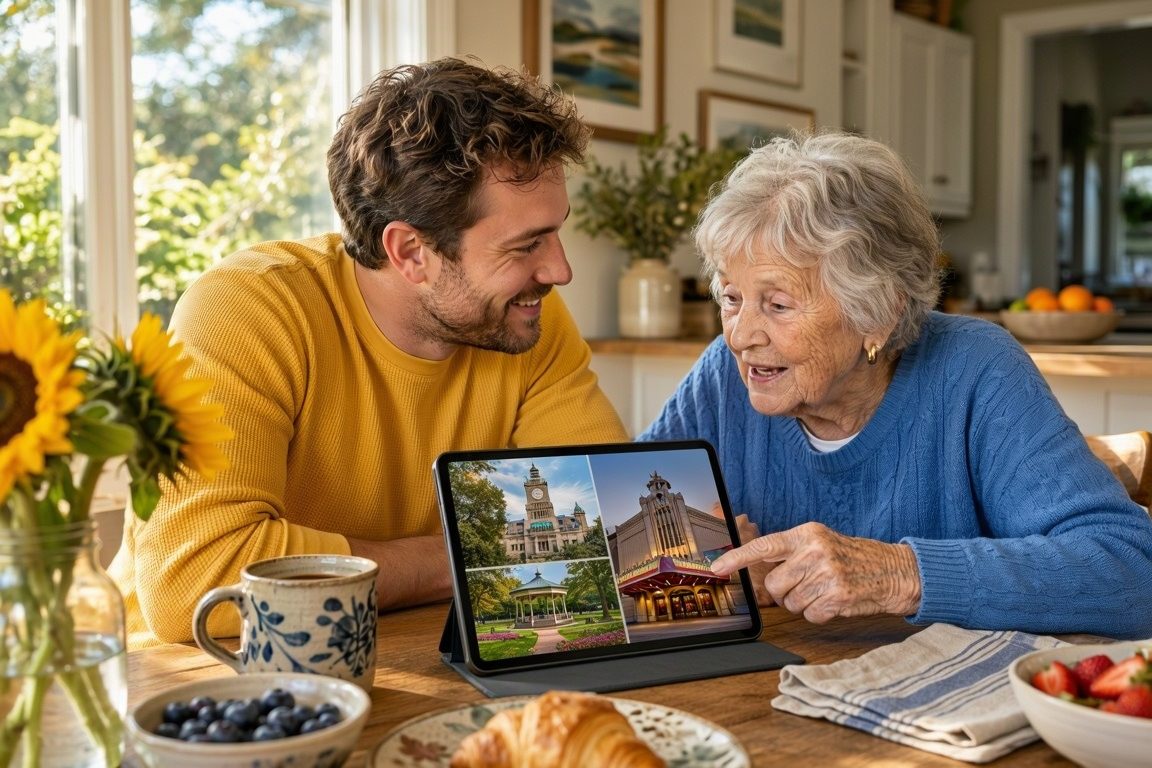
- Using the app as a solo activity for your loved one while you walk away.Instead: Sit with them, share the screen, and talk about what you see. The app is a tool for shared engagement, not a babysitter.
- Choosing games based on what you think is interesting, not what they love.Instead: Take time to learn about their past, ask family members, look at old photos, or listen to their stories. Then pick games that match those memories.
- Pushing through a session when your loved one is tired, agitated, or not in the mood.Instead: Watch for signs of fatigue or frustration, yawning, looking away, fidgeting. If you see them, gently say: 'We can try this again later. Let us take a break.'
- Expecting the app to 'fix' memory loss or slow the disease.Instead: Focus on the moment: a shared laugh, a remembered story, a few minutes of calm. Those are the real wins.
Key points
- Memory Lane Games is a digital app with over 3,400 games designed to spark positive memories and conversation for people with dementia and their caregivers.
- The app is not a brain-training tool, it is a reminiscence therapy tool focused on connection, not cognitive improvement.
- Personalization is key: choose games about your loved one's hometown, hobbies, music, and foods for the best engagement.
- The app is designed to be frustration-free for both the caregiver and the person with dementia, with support teams available to help.
- Use the app together, keep sessions short (10-15 minutes), and focus on the stories that come up, not on finishing the game.
- The app can be adapted for all stages of dementia, from mild to severe, by adjusting how actively the person participates.
Videos
 Discover Memory Lane GamesThis video gives a direct overview of the app from its creators, explaining how it works and why it is effective for sparking conversation and engagement.
 An Interactive and Media Collection for people living with dementia & their care partnersThis video shows the app in action, demonstrating how it can be used as a multi-sensory tool for both the person with dementia and their care partner.
 Are Memory Aid Apps Useful For Dementia Caregivers?This video discusses the broader category of memory aid apps, helping you understand where Memory Lane Games fits among other digital tools for dementia care.
 Listen to what Teepa Snow has to say about Memory Lane TVTeepa Snow, a renowned dementia care expert, endorses Memory Lane TV (a related platform), offering professional insight into why this type of engagement works.
2 more videos
 How to talk on the phone to someone with dementia?This video offers tips for remote communication, which can be adapted to using Memory Lane Games over a video call if you are a long-distance caregiver.
 Do brain games help with dementia?This video clarifies the difference between brain-training games and reminiscence-based games like Memory Lane Games, helping you set realistic expectations.
Background
What Memory Lane Games Is and Why It Works
Memory Lane Games is a digital app designed for caregivers and people living with dementia to play together. It contains over 3,400 games covering topics like hometowns, hobbies, music, interests, and foods from around the world. The games are not about winning or losing, they are designed to trigger positive memories and stimulate conversation. As one expert explains, the therapeutic benefit comes from 'the stories that come from playing.' The app has been downloaded over 100,000 times in more than 100 countries, delivering over 1.6 million minutes of gameplay, showing that it truly connects with people living with dementia.
What makes this app different from a generic puzzle or brain-training game is its deep personalization. You can find games about a specific village in the Philippines where someone grew up, or about horses that a person loved as a child. The app can even be customized to include 150 games on a single country, like Japan, if that is meaningful to your loved one. This personalization is key because it taps into long-term memories that often remain strong even in later stages of dementia, making the experience feel relevant and familiar rather than frustrating or confusing.
How It Supports Caregivers and Reduces Stress
For caregivers, Memory Lane Games is described as 'frustration free', it is simple to use, hard to break, and does not require any technical expertise. The app comes with support teams to help you get comfortable, and the design is intentionally easy so that both you and your loved one can focus on the connection, not the technology. This is a huge relief for caregivers who may already feel overwhelmed by juggling appointments, medications, and daily routines.
Beyond the practical ease, the app offers a form of respite. When your loved one is engaged in a game that sparks joy and conversation, you get a few minutes of mental breathing room. The app is a non-pharmacologic, digital intervention , meaning it uses multi-sensory stimulation like videos, music, photography, sounds, and even aromas to reduce anxiety, agitation, and depression. This can help improve mood and communication, giving both of you a positive shared experience that lightens the emotional load of caregiving.
The Difference Between Memory Lane Games and General 'Brain Games'
It is important to understand that Memory Lane Games is not a 'brain training' program that claims to improve memory or slow cognitive decline. Research on general brain games for dementia is mixed, and many experts caution against expecting them to reverse or halt the disease. Instead, Memory Lane Games focuses on reminiscence and engagement, a therapy approach used widely in nursing homes and by counselors to improve mood and bring people back to happier memories. The goal is not to test or fix the brain, but to create a moment of connection and joy.
This distinction matters because it sets realistic expectations. You are not trying to 'fix' your loved one; you are trying to share a pleasant experience. The app is designed to be used in the moment, without requiring the person to follow a plot or remember complex rules. This makes it suitable across multiple stages of dementia, from mild to moderate to severe, because it meets the person where they are.
Practical tools
6
The 'Memory Lane Games' App
Download the app on a tablet or smartphone. It contains over 3,400 games on topics like hometowns, hobbies, music, and foods. The app is designed to be frustration-free and comes with support teams to help you get started. Use it as a shared activity, not a solo task.
Personalized Game Selection Checklist
Before each session, ask yourself:
Pick 2-3 games from the app that match these topics.
Conversation Starters to Use During Games
When a memory comes up, use these phrases: 'Tell me more about that.' 'What did that feel like?' 'Who else was there?' 'I love hearing that story.' 'That sounds wonderful.' These open-ended questions keep the conversation flowing without pressure.
The 'Three-Minute Rule' for Ending a Session
If you notice signs of fatigue or disinterest, do not abruptly stop. Instead, say: 'Let us finish this one and then take a break.' After that last game, thank them and transition to a calming activity like a cup of tea or a short walk. This prevents abrupt endings that can cause confusion.
A Quiet, Comfortable Setup
Choose a spot with good lighting, minimal background noise, and comfortable seating. Hold the device at a distance where both of you can see clearly. Keep the volume low enough to be pleasant but not overwhelming. This environment helps your loved one focus on the game and the conversation.
A 'Memory Lane Games' Journal
Keep a small notebook or digital note where you jot down which games they enjoyed, what stories came up, and any new topics they mentioned. Over time, this becomes a personalized guide for future sessions and a beautiful record of shared moments.
Different situations
Early-stage dementia (mild cognitive impairment)
In early stages, your loved one may still be able to navigate the app themselves with minimal guidance. You can let them choose the games and tap the answers. The conversation may be richer and more detailed. Use this time to explore a wide range of topics and build a library of favorite games for later stages.
Moderate-stage dementia
At this stage, your loved one may need more help with the device. Sit close, hold the tablet, and guide their hand to tap if needed. Focus on games about childhood memories, which often remain strong. Keep sessions short (10-15 minutes) and be ready to pivot if they become restless. The goal is comfort and connection, not completion.
Late-stage dementia (severe)
In late stages, your loved one may not be able to actively play the game, but they can still benefit from the sensory experience. Use the app's videos, music, and sounds as a passive activity. Play a game about a familiar song or a nature scene and simply sit with them, holding their hand, and talking softly about what you see and hear. The app can still reduce anxiety and provide comfort.
Lewy body dementia or Parkinson's disease dementia
People with Lewy body dementia may have visual hallucinations or fluctuating attention. Choose games with simple, clear images and avoid busy or cluttered screens. Keep sessions very short (5-10 minutes) and be prepared to stop if they seem confused or distressed. Music-based games may be particularly soothing. Always discuss any changes in behavior with your clinician.
Caregiver is an adult child vs. a spouse
Adult children may not know all of their parent's childhood memories. Use the app as a way to learn: ask questions like 'Did you ever have a pet like that?' or 'What was your favorite food when you were my age?' Spouses may have a deeper shared history and can use the app to reminisce together about their life as a couple. Both roles benefit from the app, but the conversation will naturally differ.
For the doctor
4
- If your loved one becomes agitated or upset while using the app, discuss this with their doctor to rule out pain, discomfort, or medication side effects.
- If you notice any changes in mood, sleep, or appetite after using the app, mention it to their clinician, it may be unrelated, but it is always good to share observations.
- If your loved one has a history of seizures or photosensitivity, check with their doctor before using any screen-based app, including Memory Lane Games.
- If you are considering using the app as part of a broader behavioral intervention, ask your clinician if it complements their current care plan.